
Xteink X4, or how I finally started reading more
/ 4 min read
Table of contents
TLDR
Why bother
I’ve loved reading since I was a kid. Classics, sci-fi, dystopias, fantasy — all of it. But somehow it keeps getting harder to find the time. Before this, the last book I actually finished was probably Heller’s Catch-22, during a week of doing absolutely nothing after a hiking trip.
Then one day I came across a post about someone buying a cute little e-reader (I have a weakness for fun gadgets like that — the Flipper Zero may be a hacker multitool, but calling myself a hacker is a stretch, so after messing around with an intercom fob and some amiibo in Breath of the Wild it’s been sitting in its 3D-printed case ever since). Then a second post, then a third, probably even on Instagram by that point… And my bubble keeps filling up with talk about “going offline” or “fighting the algorithm”, which apparently requires buying some thingamajig or other.
So I caved and shelled out for one too.
But you know what, it turned out to be one of the best impulse buys of the year. Here’s why.
What this thing is
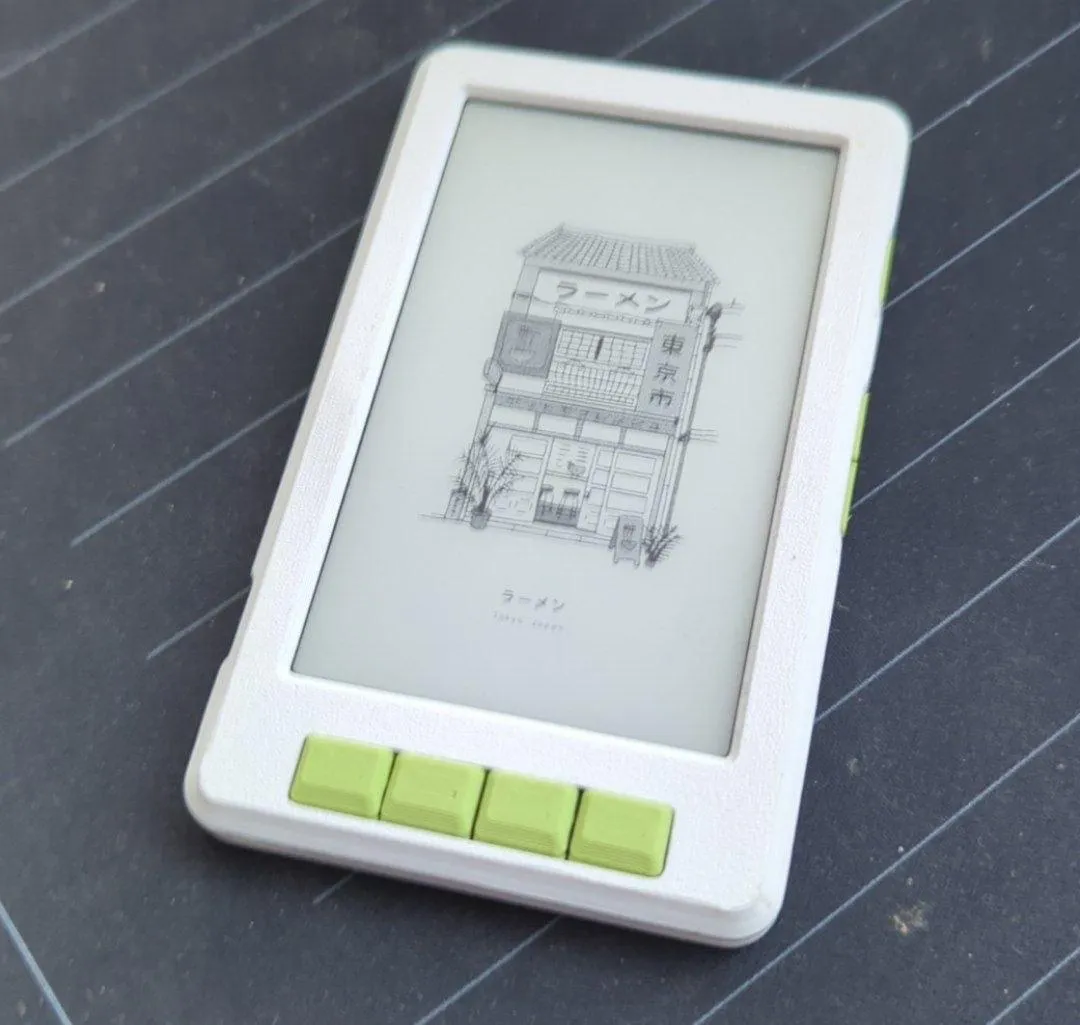
It’s a small lineup of micro e-readers. Mine is the X4 — no frontlight, no touchscreen, smaller battery.
Five books in, I can say with confidence: it’s worth it!
The good
It sits in your hand really nicely. There are plenty of buttons to control it — two on the right side and four on the front.
At some point while reading I caught myself running on reflexes and gestures I’d picked up long ago from scrolling reels and the like. It feels like tricking your body: instead of zoning out over another hundred videos you’ve already forgotten by the time the next one starts, you’re doing something genuinely worthwhile with your time.
Reading turned out to be far more comfortable than I expected. The letters are big and crisp, pages turn fast enough, and none of it feels awkward.
You add new books by simply dropping them onto the SD card (yes, that’s supported) or over Wi-Fi: either connect the reader to the same network as your phone and laptop, or have the reader act as a Wi-Fi access point itself. No trouble whatsoever.
Battery life is just great: over two weeks of vacation, and even though I read a lot, I never had to charge it once!
What really caught me off guard was the sheer size of the community around these readers.
So the first thing I did was flash the CrossInk1 custom firmware, which is itself a fork of another one — CrossPoint.
At this point it’s honestly hard for me to say what makes it better than stock. You get custom sleep-mode wallpapers, and you can put the reader on Wi-Fi to configure everything and upload new books through the built-in web UI (an absurdly convenient and cool feature!)…
Huge thanks to you, random internet stranger, for your post on how to set up those wallpapers!
I even found a whole site with a curated list of resources for these readers — readme.club.
At one point it took me back to the days of modded PSPs, when my friends and I would trade custom themes for the main menu. Or when we’d go way too deep into which wallpaper was on our aging Siemens phones or Symbian-era Nokias. I wonder where that era went? Or am I just old?
The not so good
Sometimes you have to fuss a little more over getting the book format right: as of writing, CrossInk only supports TXT and EPUB, and if it hits errors in an EPUB it won’t render the chapter at all.
MagSafe is always billed as one of the Xteink’s headline features: supposedly you can stick the reader onto the back of your phone and build yourself a sort of YotaPhone.
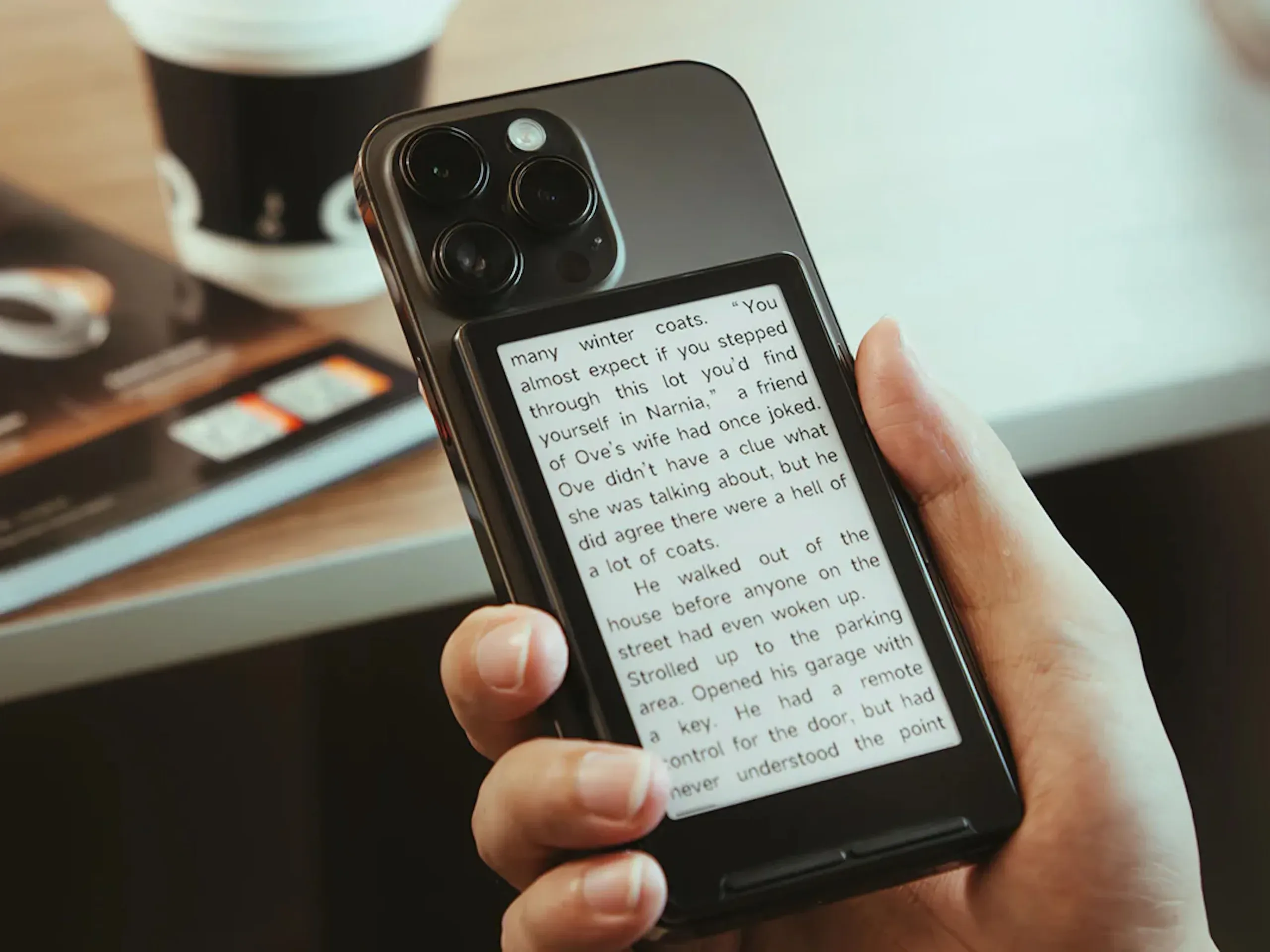
But there are a couple of catches for me here:
-
My phone is always in a case, so the reader’s already weak magnet can’t hold on properly.
-
To my taste, the Xteink’s buttons are too small and awkward on their own, but a 3D-printed case2 solves that easily: the buttons get nicer to press and the reader itself feels better protected.
The most annoying part is the lack of a built-in frontlight. Right now I’m testing a random MagSafe book light — lying in bed it works fine, but I wouldn’t take that setup on a trip.
Afterword
I get that this reads like a pure ad and that I’m trying to make a buck off a referral link (man, I wish). And honestly, I do feel a bit like a “capitalism’s bitch” when I buy yet another trinket after a couple of videos or articles.
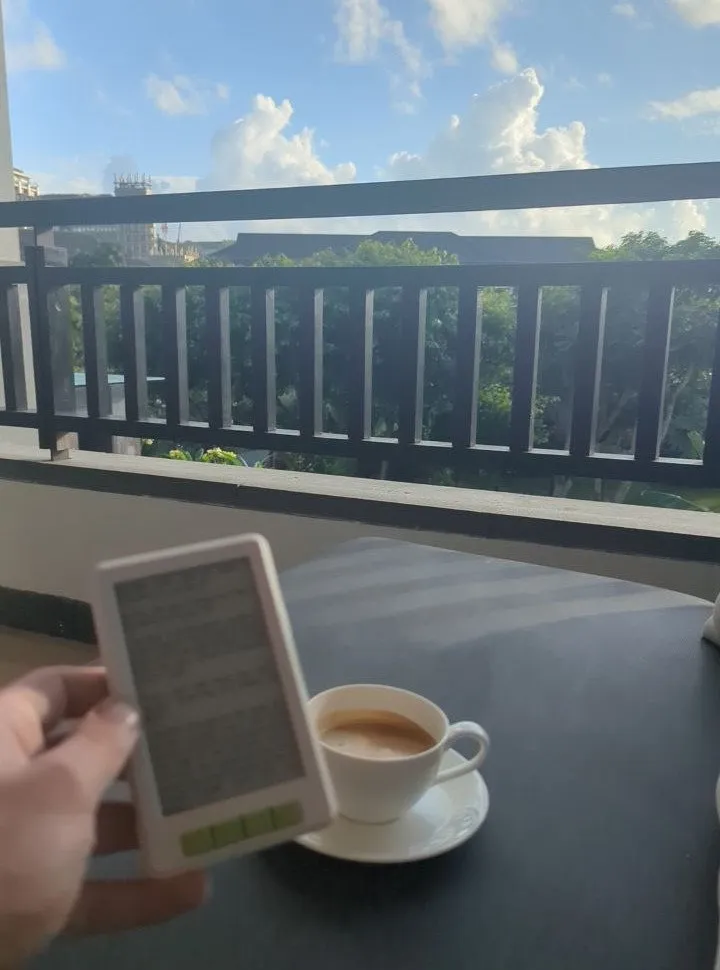
The truth is, this reader has unironically brought me a ton of joy: the reading itself, the nerdy poking around in firmware, and setting it all up and picking wallpapers.
I genuinely want to share it, so that everyone around me reads more.
Along with that, I’ll be posting reviews of the books I read from time to time under the readme tag. Come read along, and send me your own recommendations!
Take care of yourself and the people close to you!
Footnotes
-
I don’t know why I picked this one in particular — a bit of quick googling told me it was somehow better. Judging by the forums, the stock firmware is plenty for most people. If you’re curious, readme.club has a whole roundup of these custom firmwares for every taste. ↩
-
I liked this one from MakerWorld. But I also found a whole sea of other options — with lights, with covers, even with a compartment for the charging cable. ↩