Table of contents
What is this thing
Imagemagick is a wild command-line tool that lets you change image formats and resolutions, stitch several images together, overlay them on top of each other, add text, and a whole lot more — all straight from the command line. This is just a stash of examples that I reach for now and then.
Installing it is trivial:
# MacOSbrew install imagemagick
# Archsudo pacman -S imagemagick
# Debianapt install imagemagick
Getting image metadata
# magick identify <input image>magick identify input.jpgVerbose output
# magick identify -verbose <input image>magick identify -verbose input.jpgChanging the format
# convert input.<input_format> output.<output_format>convert input.webp output.pngResize
# convert input.jpg -resize <X>x<Y> output.jpgconvert input.jpg -resize 640x480 output.jpgRotate
# convert input.jpg -rotate <X> output.jpgconvert input.jpg -rotate 90 output.jpgHere the resulting image will be rotated 90 degrees clockwise; if you need to rotate it 90 degrees counterclockwise, pass -90 in the command.
Collage
Take 4 images and combine them into one with no background and no padding
montage img_1.png img_2.png img_3.png img_4.png-tile 2x2 -geometry +0+0 result.png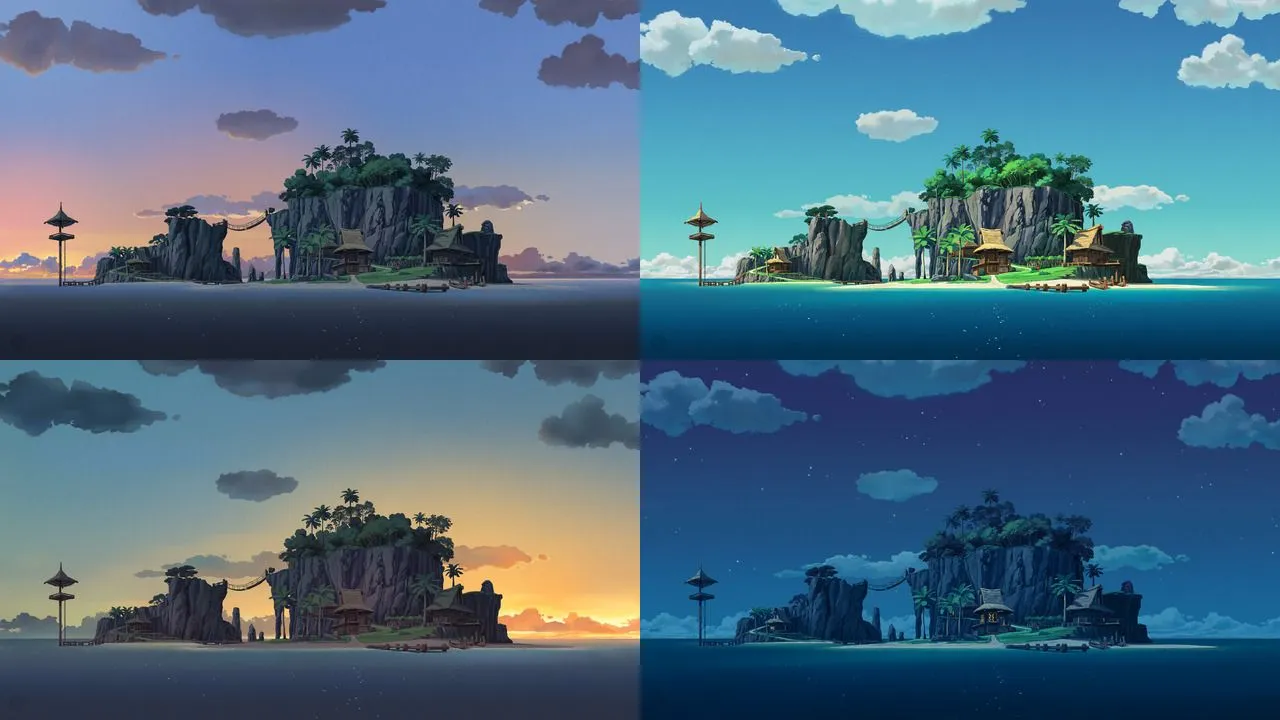
Removing black bars
Here’s an image

You can crop the black bars on the sides by hand, just by selecting them in something like Paint or Photoshop, but what if you need to do this across a whole pile of images? Nothing’s stopping you from doing it by hand, but there’s another way:
magick mogrify -fuzz 4% -define trim:percent-background=0% -trim -format jpg img.jpgFor a single image there’s a simpler way:
magick mogrify -fuzz 4% -define trim:percent-background=0% -trim img.png
Png -> ico
An ico file can hold several resolutions of the same image at once. So you can take a high-resolution image and convert it into an .ico file like this:
magick -background transparent icon.png -define icon:auto-resize=16,32,128,256 icon.icoIn this example, the resulting icon.ico will contain the 16x16, 32x32, 128x128, and 256x256 pixel formats.